Edit a Bill After Payment: How Dukaan POS Corrects Today's Sales Without Breaking Your Records
By Muhammad Waqas · · 5 min read
It happens at every counter, many times a day. The bill is paid, the receipt is printed, and the customer says: "Bhai, ek aur de do." Or they notice they picked up the wrong size and want to swap one item. The sale is finished, but it is not quite right.
How a POS handles this moment says a lot about it. This post explains how Dukaan POS lets you edit a bill after payment, why the bill keeps its number, and the rules that stop editing from becoming a way to change the day's figures after the fact.
Why editing a paid bill is usually awkward
Most billing software offers one of three unsatisfying options:
- Make a second bill. Quick, but the customer now has two receipts for one visit, and your bill count no longer matches the number of customers.
- Cancel and ring it up again. This takes time while a queue waits, and the cancelled bill sits in your records looking like a refund.
- Let anyone change anything. Fast, but a bill that can be quietly changed later is no longer a record, and the day's cash will stop matching the reports.
Dukaan POS takes a middle path: the bill can be corrected, but only by the right people, only while the day is still open, and always with a clear trail.
How editing a bill works
- Find the bill in Sales. You can search by bill number, product, amount, payment method or cashier.
- Open it and tap Edit bill. The bill opens at the till exactly as it was, with its items and its discounts, and the screen shows Editing bill with its number.
- Add or remove items using the normal selling controls: tap, search or scan a barcode.
- Tap Update bill. A confirmation shows the new total and exactly what to do at the counter: Collect Rs 150 more or Give back Rs 80, and in which payment method.
- Confirm, then reprint the corrected receipt.
The bill keeps the same number, so the customer's receipt, your sales list and your bill count all stay consistent. The bill is marked Edited, with when it happened, so anyone looking at it later can see it was changed.
What if another customer is already at the till?
Nothing is lost. If someone else's bill is open when you start editing, it is put on hold automatically, and the screen tells you so. You can pick it up again from held bills as soon as the correction is done.
What happens to stock and money
Stock moves only by the difference
If the original bill had two loaves of bread and the edit makes it three, only one more loaf comes off the shelf. The app does not take every item off stock a second time. Removing an item puts it back on the shelf. While editing, the stock available for each item includes what this bill already took, because that stock belongs to this bill to give back.
The difference is settled the way the bill was paid
If the bill was paid in cash, the extra is collected in cash, or the change is given back in cash. The same applies to card. The difference is saved as its own payment, marked as a bill edit, so the receipt counts it as paid rather than as a refund, and the day's drawer count stays correct. If the total does not change, for example swapping one item for another at the same price, the confirmation says there is nothing to collect or give back.
Who is allowed to edit a bill
Every cashier in Dukaan POS unlocks the app with their own PIN and has a role. The owner decides who can do what, and editing follows these rules:
- The owner and managers can edit any bill.
- A cashier can edit only their own bills, and only on the same day.
- Nobody can edit a bill once its day has been closed.
- A refunded bill cannot be edited. It is already settled and stays as it is.
Why closing the day locks bills. At day close, the cashier counts the drawer and the app records whether it was short or over. If bills could change after that, the count and the reports would silently stop agreeing. Locking closed days means the figures the owner reviewed tonight are still the figures tomorrow.
Edit or refund: which one to use
Editing and refunding solve different problems, and Dukaan POS keeps them separate:
- Edit when the bill itself was wrong or incomplete at the counter: an extra item, a wrong quantity, a swap before the customer leaves.
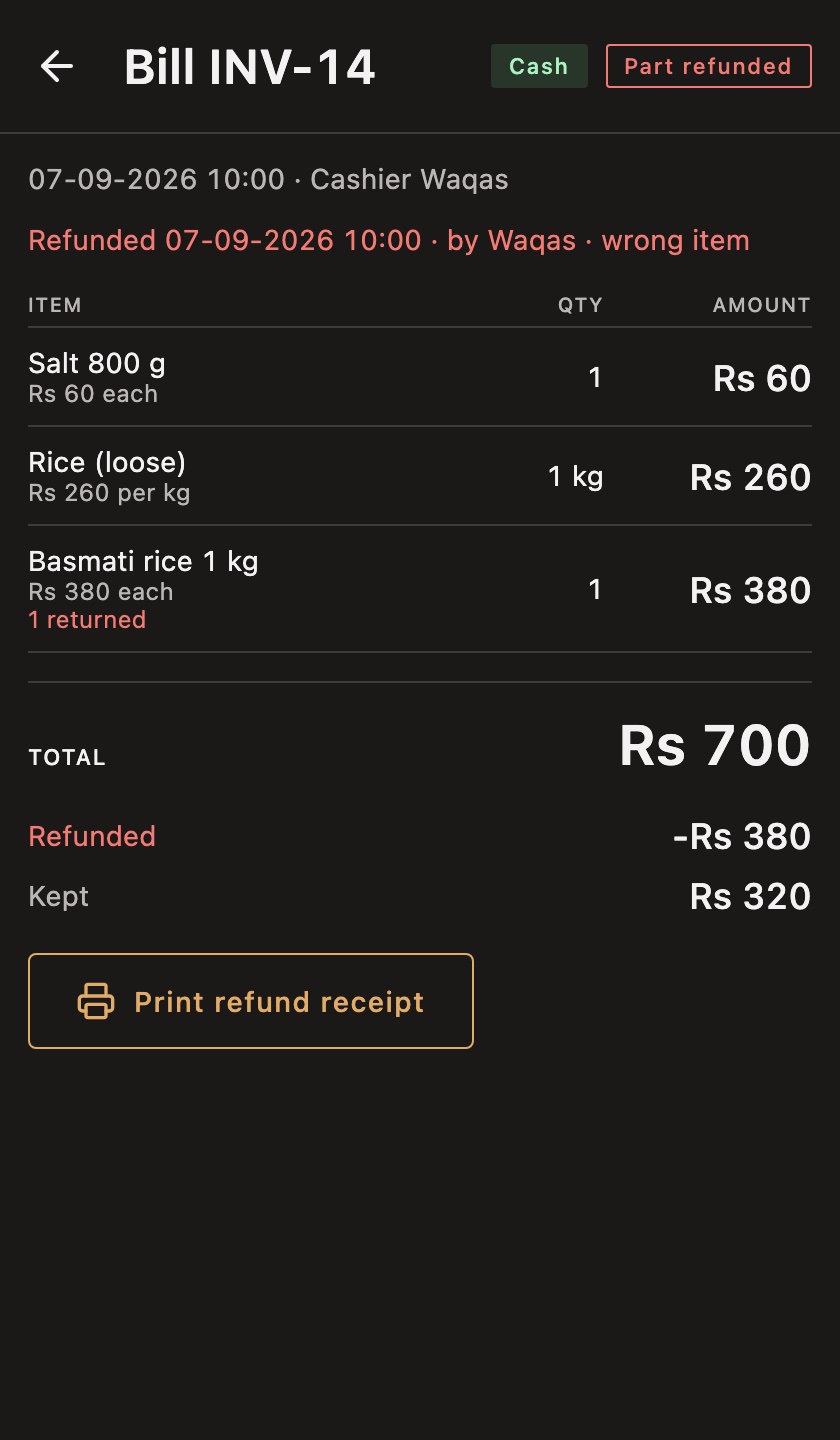
- Refund when goods come back later. You can refund the whole bill or pick just the items being returned, even part of a quantity, and a reason is required. A refund receipt can be printed.
Keeping the two apart matters for your reports. A refund is money that genuinely went back to a customer. An edit is a correction to a sale that is still happening. Mixing them would make your refund figures look worse than they are.
What about items that are not in the product list?
Sometimes the problem is not a wrong bill but a missing product, such as a repair charge or something sold loose. For these, Quick sale adds an amount and, if there is time, a name to the bill without creating a product. Because a quick sale has no cost price, the Reports screen tells you how much of your takings came in that way, so it cannot quietly inflate your profit.
Frequently asked questions
Can I add an item to a bill after it is paid?
Yes. Open the bill, tap Edit bill, add the item and tap Update bill. The app tells you how much more to collect.
Does an edited bill get a new number?
No. It keeps its original number and is marked as edited, so receipts and reports stay consistent.
Can a cashier change yesterday's sales?
No. Cashiers can only edit their own bills from today, and no one can edit a bill after its day is closed.
Summary
A good POS should make honest corrections easy and dishonest ones impossible. Editing a bill under the same number, moving stock only by the difference, settling money the way it was paid, and locking closed days is how Dukaan POS gets both.
To see how this fits into a whole day at the counter, read the guide to POS software in Pakistan, or try it in the live demo.
Dukaan POS is my own product. If your business needs an app that keeps records like these right, I work as a mobile app developer for Android and iOS.